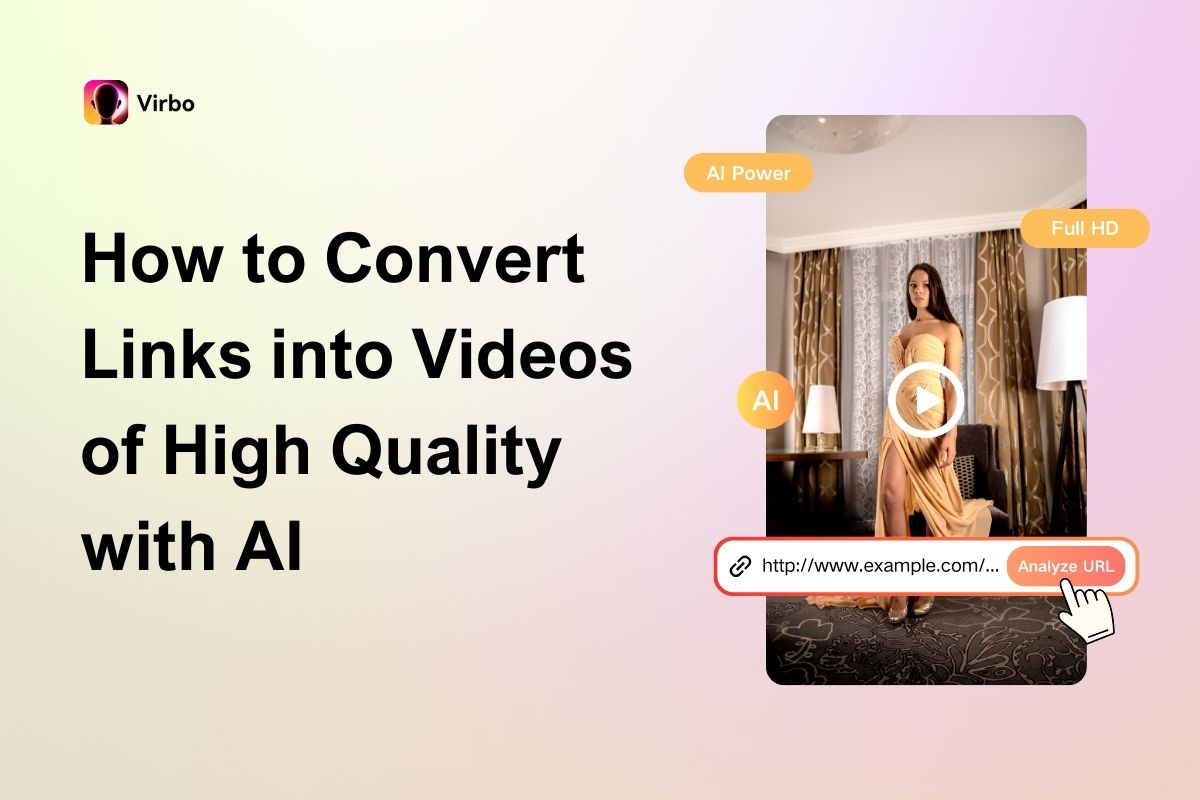

When you have prepared well-designed text content for your products on an e-commerce platform, is that enough to boost them to top sales? No! You still need another element: videos. Explainer videos and product demos can grab attention more effectively than plain text and images, leading to better sales and higher conversion rates. But how can you get one? By making it from scratch?
Surely not! In this article, we will unveil an efficient URL-to-video maker to help convert links into videos. All you need is to get your product link prepared, and it will generate a fascinating promo video about your product according to the information on the link. No professional editing skills or video software are needed! One click is enough to create the video. Now, let’s explore how that works!
What Is an AI URL-to-Video Tool?
Think of a URL-to-video maker as an AI-powered software that converts a static webpage into a dynamic video. That’s not the same as video downloaders you encounter on the Internet. The biggest difference between such a tool and a video downloader is that the latter simply downloads videos from a link, but a URL tool generates new content by extracting key elements from the said webpage and converting them into an engaging video.
A URL-to-video tool leverages the power of artificial intelligence and machine learning to create visually compelling videos instantly, reducing the effort to create a video. With such a tool, you no longer need to spend a lot of time mastering some complicated editing software. Just type in your URL, confirm your choice, and the video is finished.
Best URL to Video Converter: Virbo URL to Video Generator
You don’t really need to know anything about creating and editing videos to use a URL-to-video converter. The best AI tools simplify the process by making themselves accessible to everyone, and that’s precisely what Virbo URL-to-Video Generator does! It’s a light but powerful AI software that allows you to create professional videos from URL links in just a few clicks.
The best part is that you get far more than just dull, mundane videos. Each one comes with an AI voiceover or a realistic AI avatar reading an engaging script accompanied by accurate captions and layouts! Think about the opportunities this door opens. You’ll be able to generate videos and showcase listings from popular e-commerce platforms like Amazon and Shopify!
Plus, after generating the video, you can use the Virbo URL-to-video app’s extra features to further edit, refine, and customize the promotional videos to your needs or preferences. You can add background music, change the subtitle style, edit the captions, etc. The features below give a better idea of why Virbo URL to Video Generator stands out.
- Crawl and Identifies E-Commerce Sites Links—The link-to-video maker analyzes and extracts visuals and texts from the URLs of mainstream e-commerce and other sites like AppStore, WooCommerce, Wix, Shopify, eBay, Amazon, and BigCommerce to create videos.
- Create Several Video Types—The URL-to-video app allows you to create promotional videos, adverts, unboxing videos, product demonstrations, lifestyle showcases, and explainer videos. So, it’s a very versatile software with features that can be applied in many instances.
- Generate Texts Automatically—You don’t have to bother writing a lengthy script for the video because the AI link-to-video maker automatically generates an appropriate script based on the URL that a voiceover or AI avatar will read.
- Hundreds of Talking Avatars—The Al tool automatically uses any of its 350+ AI avatars to read the script in natural-sounding voices while the avatars perform lifelike gestures and movements.
How to Convert Links into Videos in One Click with Virbo
Many individuals and brands are still oblivious to the technology of converting an entire webpage to a video, but not you. You just saw the best way to convert links into videos and the best tool for it. The steps below detail how to use this innovative tool.
Step 1. Open Virbo URL to Video AI Generator
Go to the webpage you want to turn into a video and copy the URL. Then, launch the URL-to-video generator and paste the URL in the input box at the top of the interface. Click “Analyze URL.”

Step 2. Generate Video
On the next page, you’ll see the automatically generated product name, advantages, pictures, etc. And by clicking the “Add Media” button, you can make edits, add more photos, etc. You can also change the resolution, set the duration, choose the language, and decide whether you want a voiceover only or an AI avatar and voiceover. Then, click “Generate video” when you’re done.

Step 3. Export AI Video
After the video is created, you can adjust the scenes by editing the script, changing the avatar, voiceover, and subtitle style, or adding background music. Once you’re satisfied with the edits, click “Export Video,” wait a few seconds for the app to export, and then download and save the clip to your system.

Why URL to Video Generators Might Not Work Sometimes?
As efficient as a link-into-video converter is, there are instances where it might fail to deliver what’s expected of it. There can be many reasons for this, but the ones below are the most common:
-
Complex Webpage Layouts—Websites with dynamic content can confuse the URL-to- video maker, making it difficult to extract and convert content accurately.
-
Poor-Quality Source Content—If the webpage has low-resolution images, poorly formatted text, or unclear information, the resulting video may lack clarity and engagement.
-
Internet Connectivity Issues—A slow or unstable internet connection can disrupt the ability of the URL-to-video generator to fetch and process webpage content, leading to errors or incomplete videos.
-
Limited Customization Options—AI tools with restricted editing features may not allow users to tailor the video to their needs, resulting in generic or less impactful outputs.
-
Inaccurate AI Analysis—If the link-to-video maker fails to interpret the web page’s content correctly (e.g., misidentifying key information), the resulting video may be irrelevant or misleading, too.
Conclusion
If producing a product video for your e-commerce business has ever been an issue for you, you should know how to deal with it after reading this article. There is no need to make one from scratch using some complex tool. Instead, you can directly convert links into videos with AI tools.
As for which tool to use, Virbo Link-to-Video Generator could be a great option. It’s an excellent app for converting e-commerce URLs, be it Amazon, Shopify, Wix, or other platforms, into engaging promotional videos that can be used in several ways. It even enhances your videos with distinct avatars and persuasive scripts to entice viewers to make a purchase. With a free version available, why don’t you give it a try to experience how great it is?